
Unreal’s outliner is probably one of the most used panels of the editor. It’s the main tool for finding and organizing actors in a level, especially when the level is too complex to find everything in the main viewport. And admittedly, it’s actually quite fast, even when working with large complex levels. Even when working with very large scenes (> a quarter of a million actors) the outliner remains responsive. So I was surprised when I recently managed to stall the whole editor by editing a rather minimalistic scene. Curious, I tried to reproduce the stall in another empty project. It wasn’t as bad as in the larger project, but something was very wrong.
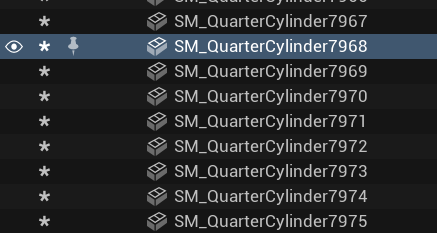
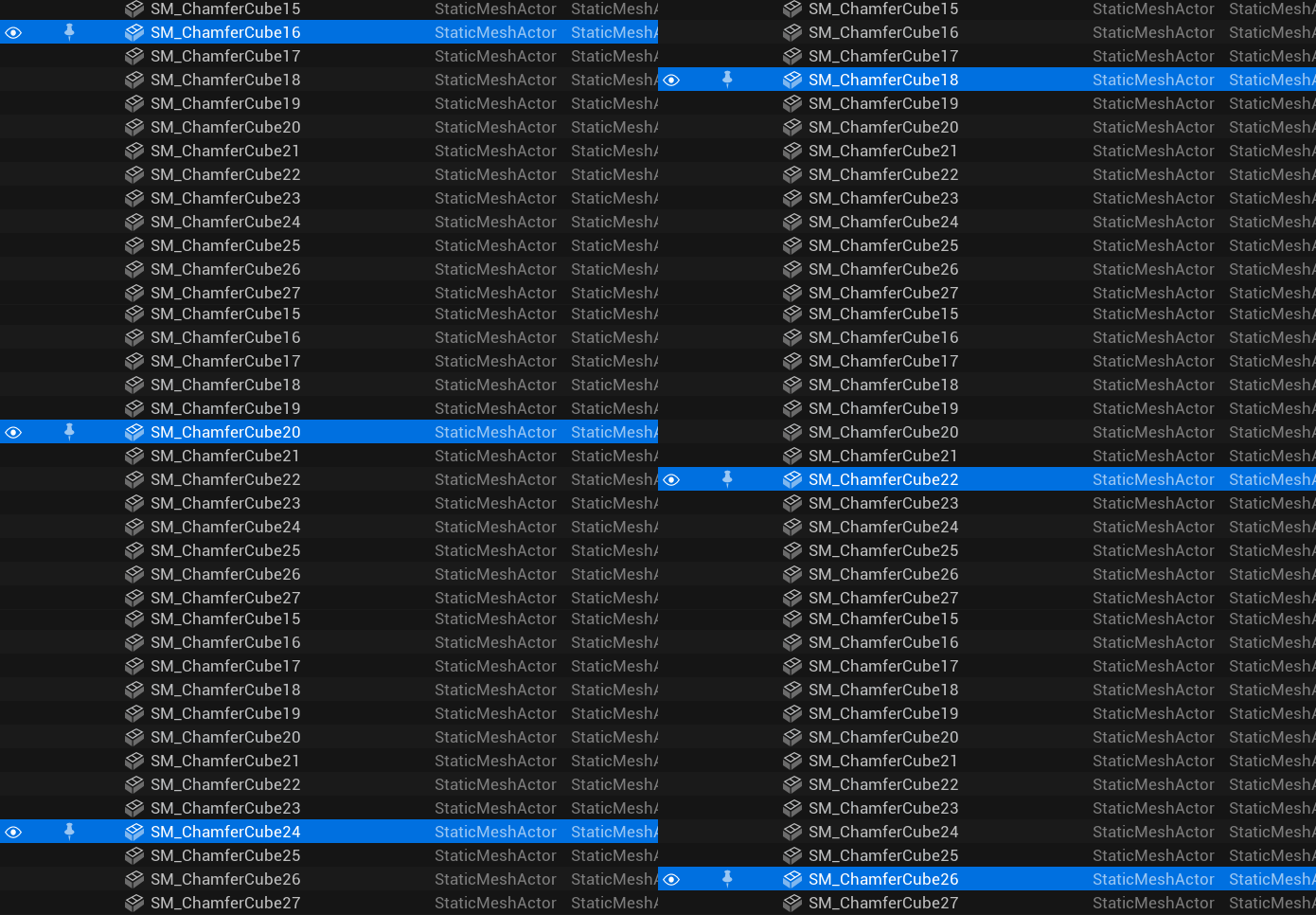
My playback steps were very simple: I would select any actor in the outliner, hold down an arrow key to scroll through the outliner… and the editor would freeze.
So, of course, I did what I always do when I have to solve performance problems: I pulled out Superluminal to see what was actually stalling.
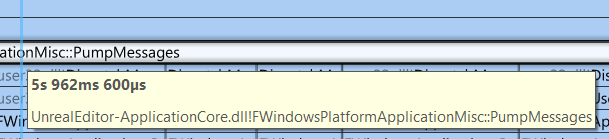
Even though the stall was triggered by specific inputs, I was actually surprised to see that PumpMessages() was the stall. It’s a function that Unreal calls every frame to handle the input events that Windows has queued since the last frame. But it’s rarely visible in the profiler when working with profiling games, since most of the input is handled delayed, later in the tick. But in the editor code the structure seems to be a bit different and the input directly triggers more functions to be called.
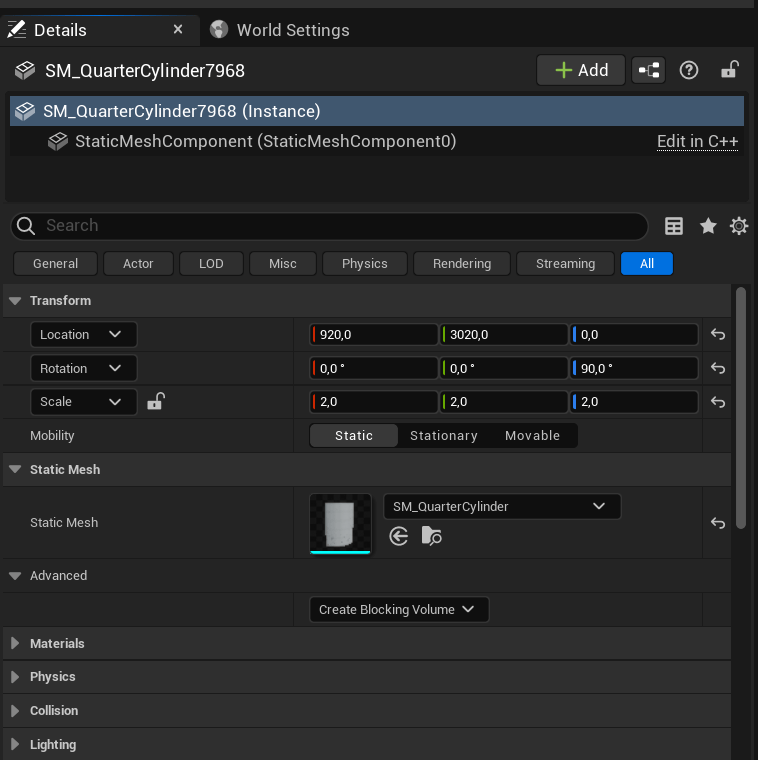
I’ll skip a bunch of steps in between, but basically, in this case, the pressed arrow key caused SSceneOutliner::OnOutlinerTreeSelectionChanged() to notify the outliner that another actor had been selected. This would then call SActorDetails::RefreshSelection() to refresh the details panel.
Updating the details panel is, as you can imagine, a complex task. Hundreds of labels, panels, text fields, etc. have to be destroyed and rebuilt. In my case, this took about 40 milliseconds, but it can vary greatly depending on what kind of actor is selected and your CPU.
Even though 40 milliseconds is a lot, it wouldn’t explain the stall by itself, but you can probably guess the problem, can’t you?

The problem was that I didn’t press the arrow key once, but kept it pressed. As long as a key is pressed, Windows will send further input events at a fixed (configurable) interval. You can view (and change) this interval in the registry at HKEY_CURRENT_USER\Control Panel\Keyboard\KeyboardSpeed. In my case, it was set to 31 milliseconds:
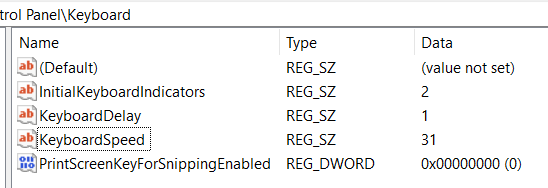
And here we have the problem: The keyboard was sending out selection requests every 31 milliseconds, calling code that took 40 milliseconds to execute. The really annoying thing about all these refreshes? Every single one of these panel refreshes completely destroys the widgets that the previous one just finished spawning, with only the result of the last one being shown afterwards.
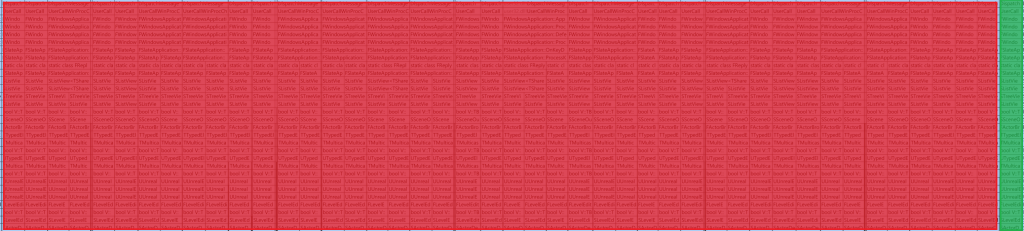
Ok, there seems to be an easy win here. What if we decouple the panel update from the input? That way we can wait for Unreal to handle all the input and selection changes and just refresh the panel once before rendering the final panel.
Currently, the bulk of the work is done in SActorDetails::SetElementDetailsObjects(), specifically in this line that moves the DetailsObjects (basically the content to be displayed in the details pane) into the DetailsView:
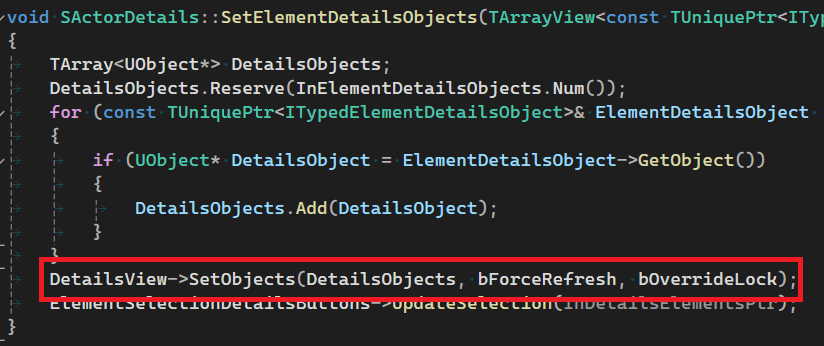
So I tried to replace this line with a simple flag that the DetailsView needs to set its content in the future and store the necessary parameters for this in some new member variables.
Afterwards I added a simple tick that checks for the flag and updates the details panel if needed:
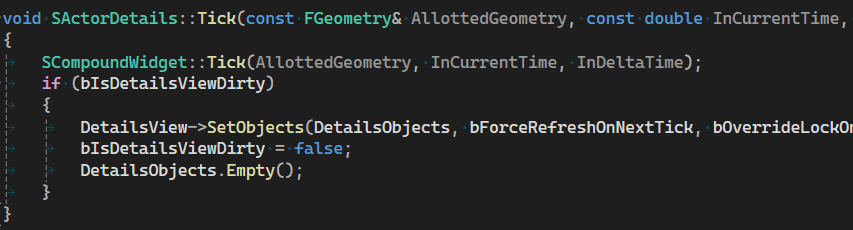
And apparently that was enough, no annoying stalls to be found! It’s still not smooth, the 40ms to rebuild the details panel are still very noticeable, but at least the editor doesn’t stop to produce frames and we can always see which actor is currently selected:

So what about a pull request?
I’d actually like to see this kind of performance improvement in the engine. Since it’s a rather small convenience change, it’s not worth keeping it in a local branch (and migrating it when a new engine version is released), but after using it, I don’t want to go back to the outliner behavior either. But since the detail panel is one of the core features of the engine, I suspect a higher standard will be accepted for this change. Even though it works fine on my machine™, there are several open questions I haven’t looked into yet. Are there any systems that rely on the details panel being up to date mid-frame? Should “ElementSelectionDetailsButtons” also be updated during the tick to keep it in sync?
I may look into these issues further, but for now I’ll just keep the change local. But feel free to give it a try and drop me a line if it works for you.
Also, if you are interested in such performance and Unreal shenanigans, consider subscribing to my blog (below this post) or following me on social media (bluesky or mastodon). I write articles like this about once a month.





 Larst Of Us
Leave a comment