
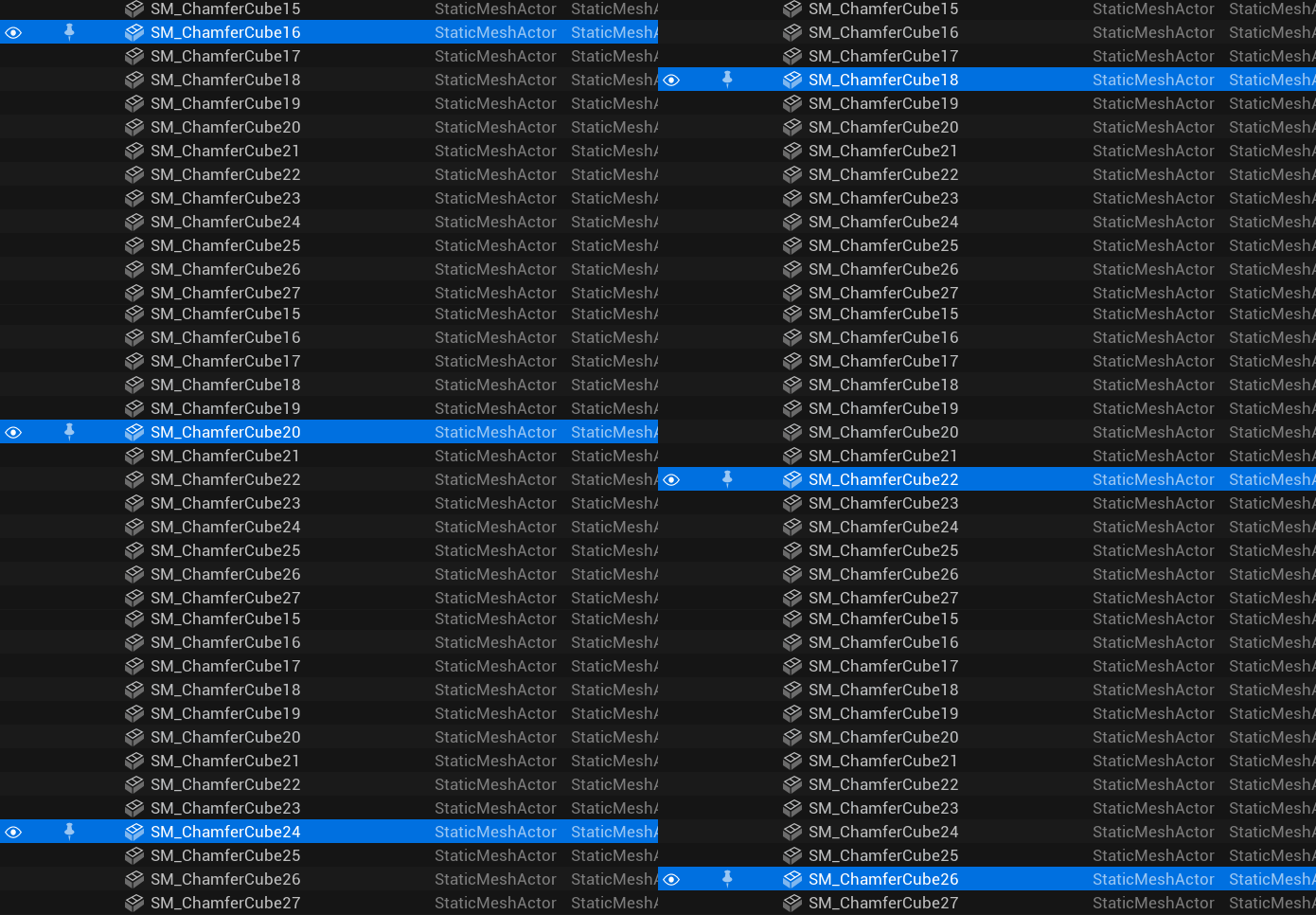
If you are following my blog for a while now, you might have noticed that I might have a small obsession for Unreal’s Static Mesh Editor or to be more precise, for it’s Socket manager:
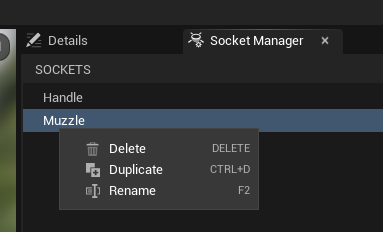
It’s one of the smallest and simplest panels in the whole Unreal Editor, basically just a list of names. But it’s still one that I find strangely cumbersome to use. As a result, I have implemented a number of changes over the past few months, some of which I have even written about here on the blog. Like my fix for the wrong socket numbering or the implementation of multiselection support. The latter one already got merged since then and will be part of the upcoming Unreal version 5.6.
But there are some more changes I have implemented since then, not all of them big enough to warrant their own blog posts, so I decided to do a small write-up of the changes made since then.
Search box
In general, the Unreal editor is an excellent example when it comes to offering search options in different contexts. Not only the content browser, but all menus and even some drop-down boxes offer some kind of search box:
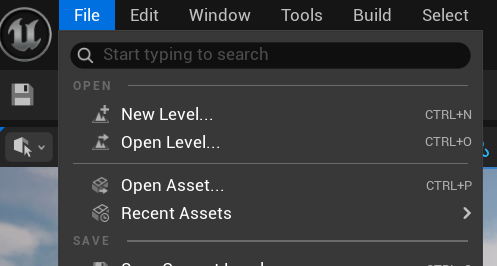
A glaring exception to this is the list of static mesh sockets. Combined with the fact that you can’t reorder or sort the sockets, this makes managing a large number of sockets more difficult than it needs to be. Adding such a search box is quite straightforward, as there are many places in the Unreal codebase that already implement similar search boxes.
Pull request (✅ merged in 5.7)

Copy & Paste
This was actually one of the most startling revelations while working with static mesh sockets. Copy & paste is such a basic feature, almost like gravity, that it’s easy to forget that someone has to implement it. Implementing the basic copy & paste flow was again straightforward, since there are already a lot of example cases in the code base. As long as you can convert something into a string that you can pass to the OS clipboard and back, implementing copy & paste in Unreal is not complicated. Actually polishing this feature to the point where I felt it was ready for a pull request took some more time, though. Correctly disabling the paste option when no socket has been previously copied, correctly labeling the undo step, and of course the cut option meant that I had to do quite a few rounds of testing until I couldn’t find any more obvious quirks.
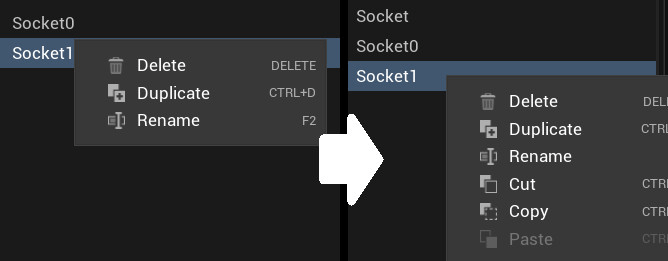
As a small side effect, I was also able to add a “cut” command for prims, the static mesh colliders that are manipulated in the same editor, since it was missing before.
Pull Request (❌ not merged as of 5.6)
The green +
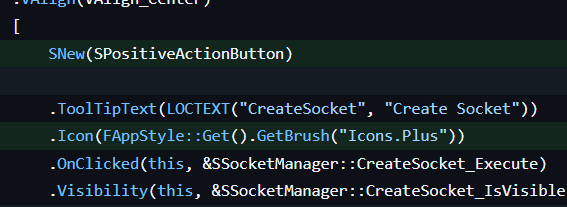
I saved the smallest change for the end: Replacing the gray plus used to create new sockets with a green one. This is a purely visual change, but it brings the Static Mesh Editor in line with all other editors where similar buttons use a green plus since the big UI overhaul of UE 5.0.

To do this I basically just had to the change the class of the button to use the class “SPositiveActionButton”, a new button type introduced for exactly such actions. In hindsight I wonder if I should have added some “Add” or “Add socket” text onto the button since most (but not all) other editors do this as well. But since introducing a new Loca string would probably reduce the chance of the pull request being merged, I feel happy with this minimalistic version.
The fact that this is such a small change was actually one of the reasons I implemented it. Since I knew this problem would never survive an actual task prioritization, it would probably remain unfixed forever if I didn’t do it myself. One of the advantages when doing work that nobody asked for, is that you can skip such considerationsl
Pull request (✅merged in 5.6)
And now?
Running a local build with all five of these changes makes editing mesh sockets a much more enjoyable experience, and in many cases a much more efficient one. In particular, the copy and paste feature makes a huge difference when copying dozens of sockets between meshes. It’s also a strong confirmation that good UX is often not about great ideas, but a lot of busy work and grinding down pain points. And of course there are even more such points left (I have a list!), but feel free to drop me a line if you find some more 🙂
You can do so on Bluesky, Mastodon or LinkedIn where I also post updates whenever a new blog post goes online. Of course you can also subscribe to the blog itself right under this post 🙂






Leave a comment